Unknown Title Displayed
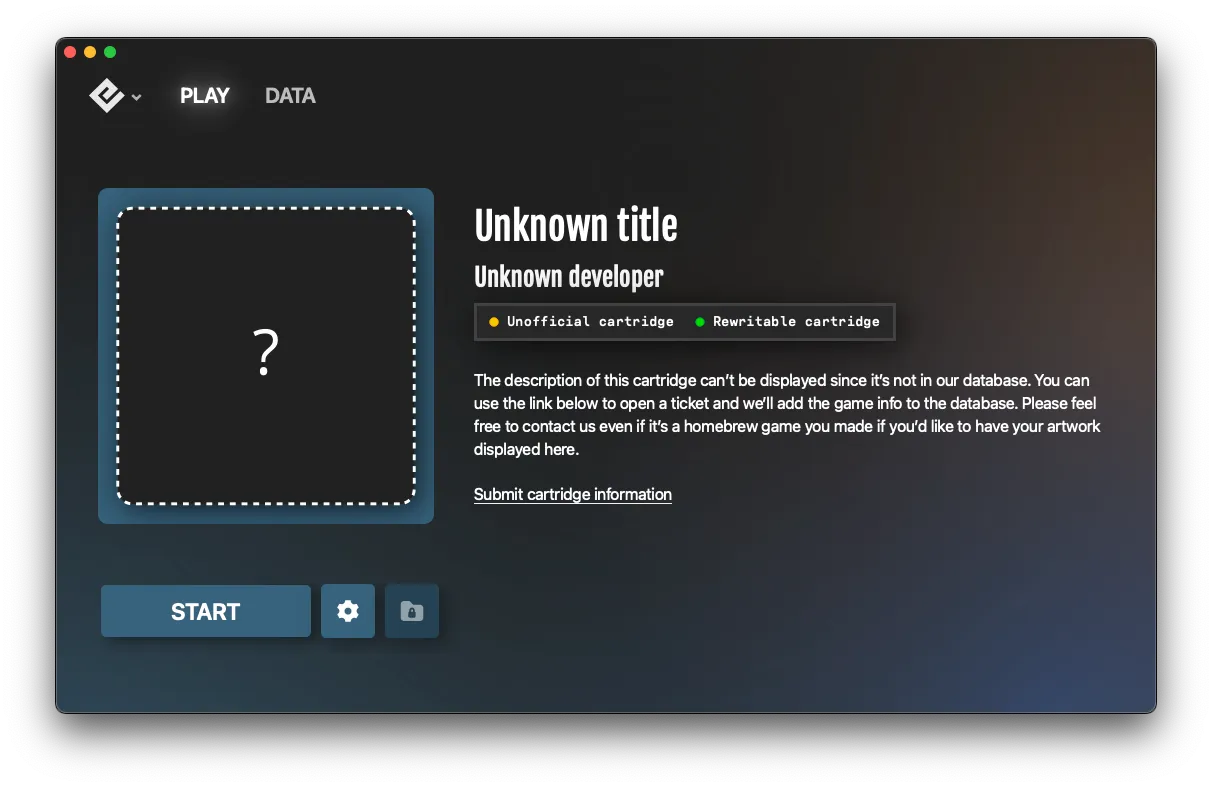
What to do when your game shows as "Unknown title" in Playback.
2 min read
When Playback shows “Unknown title” instead of your game’s name and artwork, the game isn’t recognized in our database. Here’s why and what you can do.
First, clean the cartridge
Dirty pins can cause detection issues. Clean your cartridge using 99% isopropyl alcohol and a cotton swab, then let it dry completely before reinserting.
See Cleaning Cartridge Contacts for detailed instructions.
Why this happens
1. Game not in database
Your game may not be in our database yet. This is common for:
- Regional variants
- Less common titles
- Homebrew games
- Recently released games
Solution: Contact us and we’ll add it to the database.
2. Unofficial cartridge
Reproduction and counterfeit cartridges may have altered game data that doesn’t match our database records.
Solution: Use Playback’s authenticity check or see Spotting Fake Games.
3. Cartridge not reading properly
The cartridge may not be making proper contact:
- Ensure it’s fully inserted
- Check that it fits snugly (not loose or forced)
- Inspect the PCB for damage if possible
If you also see “Failed to load game”
If “Unknown title” appears alongside loading errors, refer to:
Multiple games affected?
If multiple official games show as unknown:
- Test cartridge insertion and cleaning
- Try games on another device if possible
- Contact us — there may be a device issue
Can I still play?
Yes! Even if the game shows as “Unknown title,” you can still:
- Play the game
- Back up saves
- Use all Playback features
The game database is for display purposes and doesn’t affect functionality.
Still need help? Contact our support team

