Cartridge Not Detected
Troubleshoot when your Operator doesn't detect an inserted cartridge.
2 min read
If Playback doesn’t detect your inserted cartridge, the issue is usually with the cartridge connection rather than the device itself.
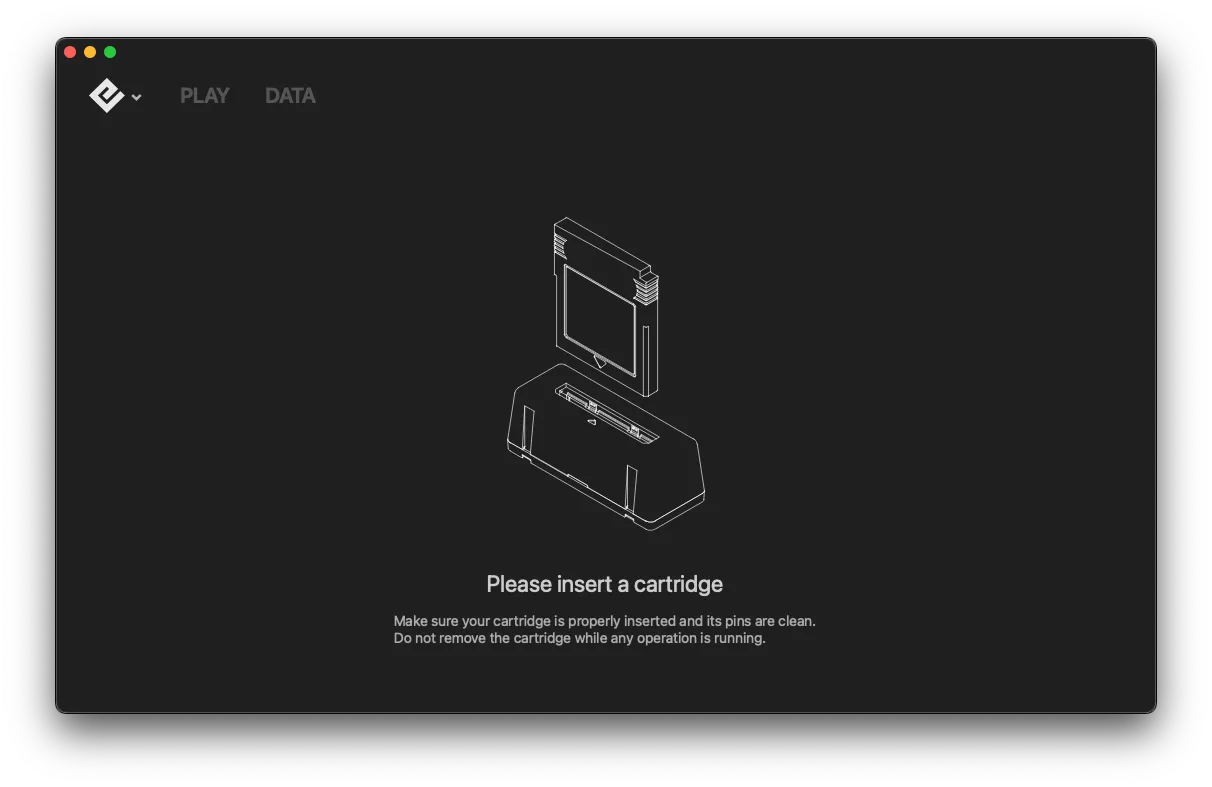
Clean the cartridge pins
Dirty pins are the most common cause of detection issues. Clean the pins with 99% isopropyl alcohol and a cotton swab, let dry for 2-3 minutes, then try again.
See Cleaning Cartridge Contacts for detailed instructions.
Check cartridge insertion
- The cartridge should fit snugly, not loosely
- It shouldn’t require excessive force to insert
- Make sure it’s fully seated in the slot
- Try removing and reinserting the cartridge
Inspect the cartridge
If you’re comfortable opening the cartridge:
- Remove the screw on the back
- Check the PCB for visible damage
- Look for worn or corroded pins
- Check for loose connections
Consider cartridge authenticity
Reproduction and counterfeit cartridges may have detection issues due to:
- Non-standard hardware
- Poor quality components
- Modified architecture
Use Playback’s authenticity check once detected, or see Spotting Fake Games.
Test multiple cartridges
Try several different cartridges to narrow down the issue:
- One cartridge doesn’t work: The issue is likely with that specific cartridge
- Multiple cartridges don’t work: The issue may be with the Operator device
If multiple cartridges have issues
If several official cartridges have detection problems:
- Clean the Operator’s cartridge slot with compressed air
- Try the cartridges on a different device if possible
If the issue persists after these steps, the device itself may have an issue.
Think your device may be defective? File a warranty claim

