Game Boy Camera Support
Using the GB Operator with the Game Boy Camera.
2 min read
The GB Operator fully supports the Game Boy® Camera, letting you transfer photos, play the camera software, and even use it as a retro webcam.
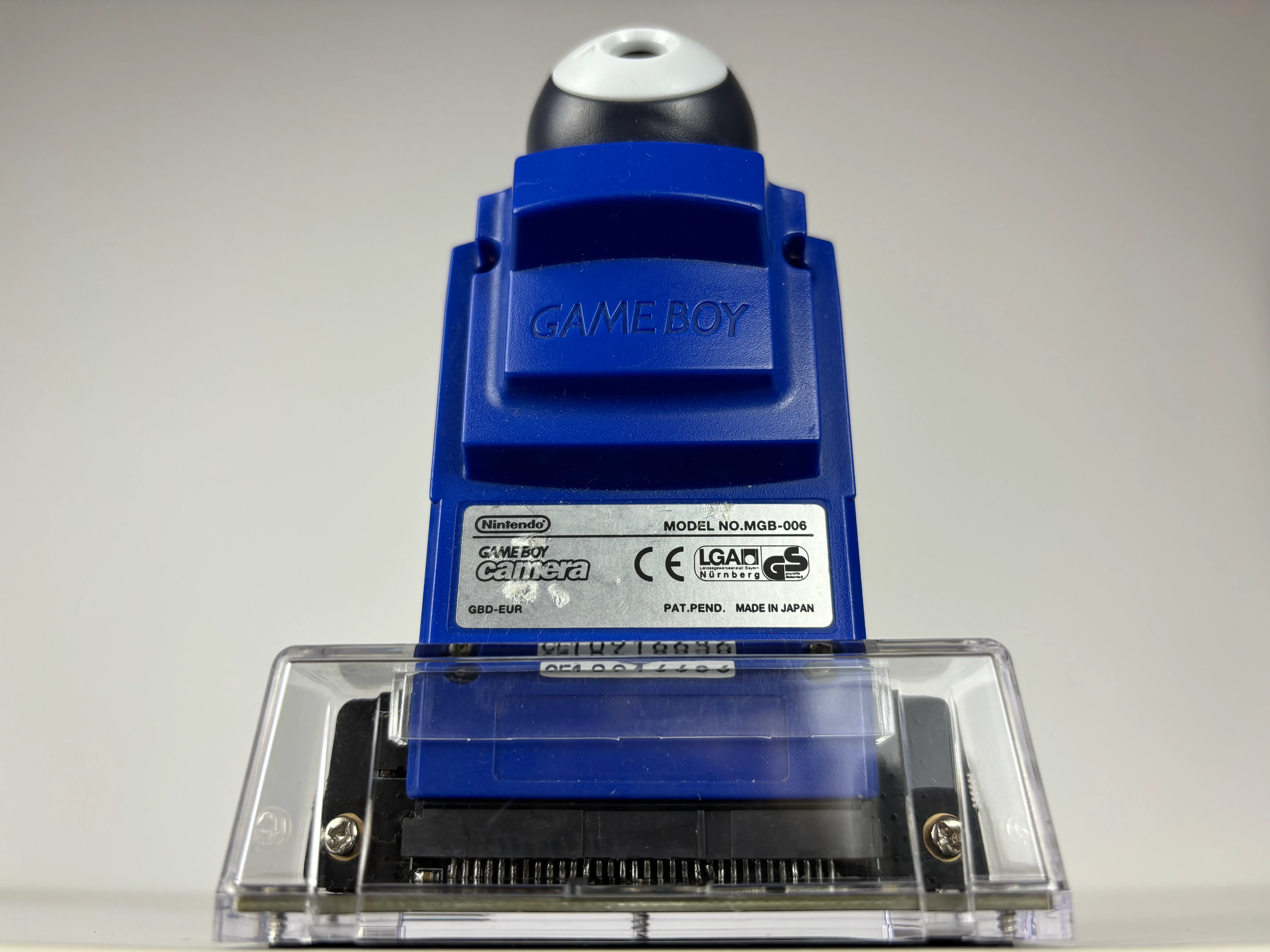
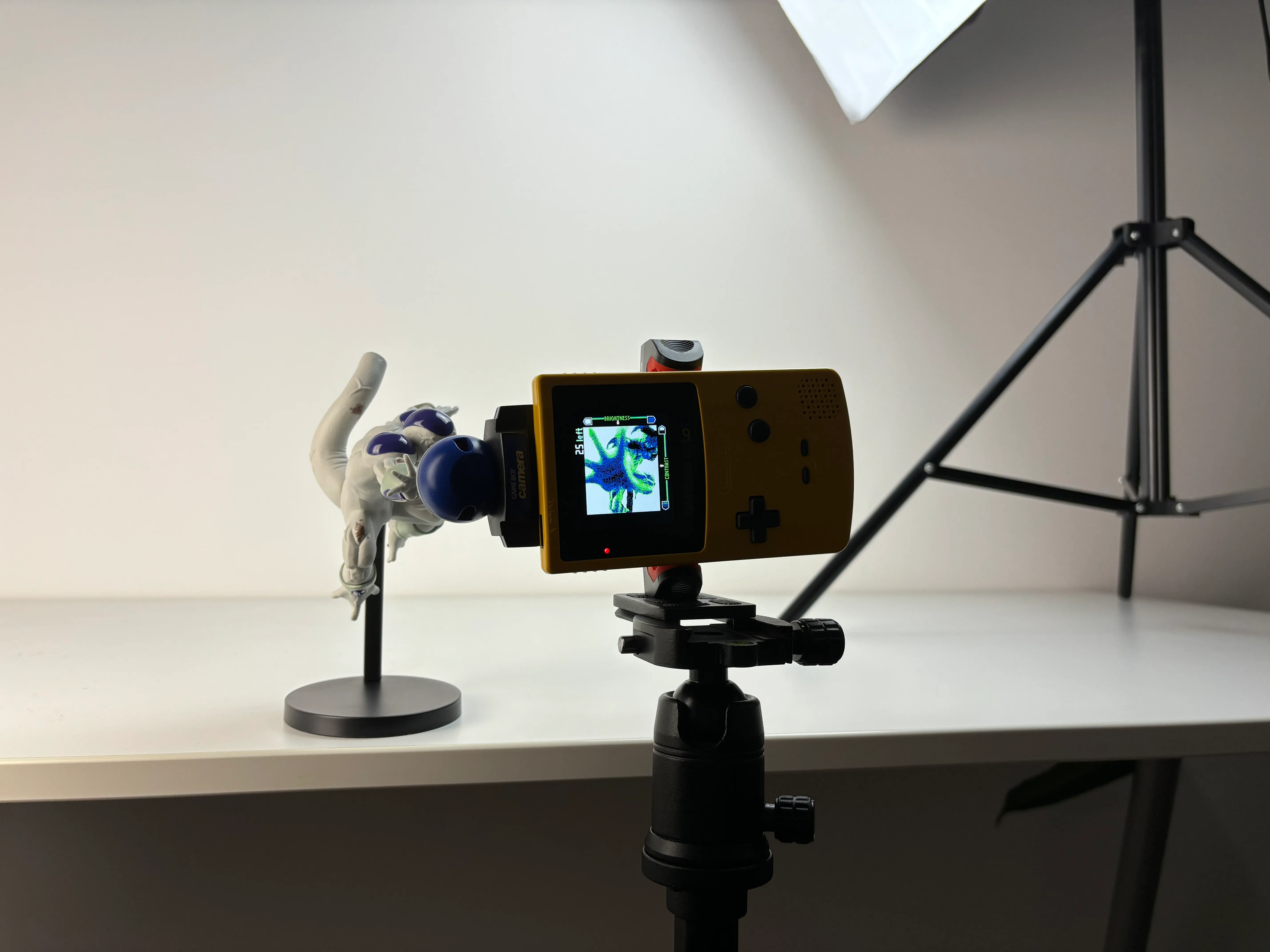
Photo transfer
Transfer your Game Boy Camera photos to your computer in just a few clicks:
- Insert the Game Boy Camera into the GB Operator
- Go to the Data tab
- Open the Photo Gallery
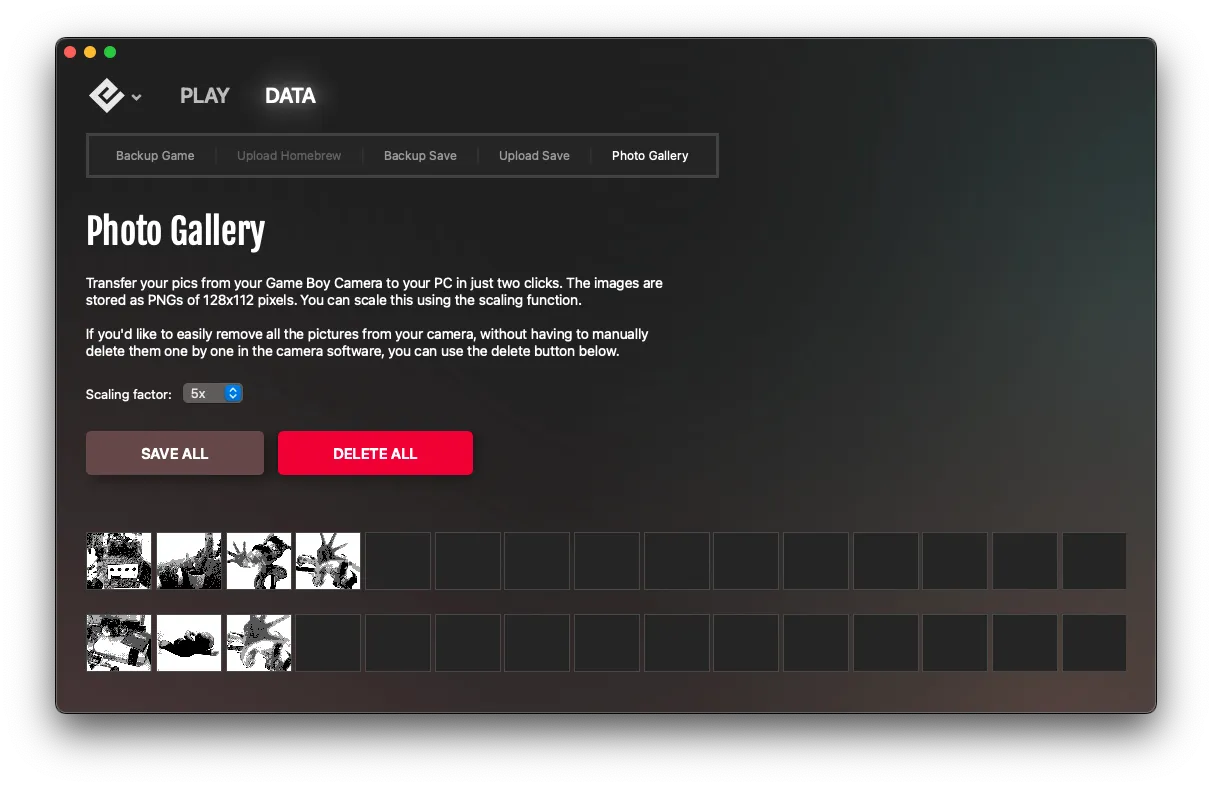
- Select photos to download
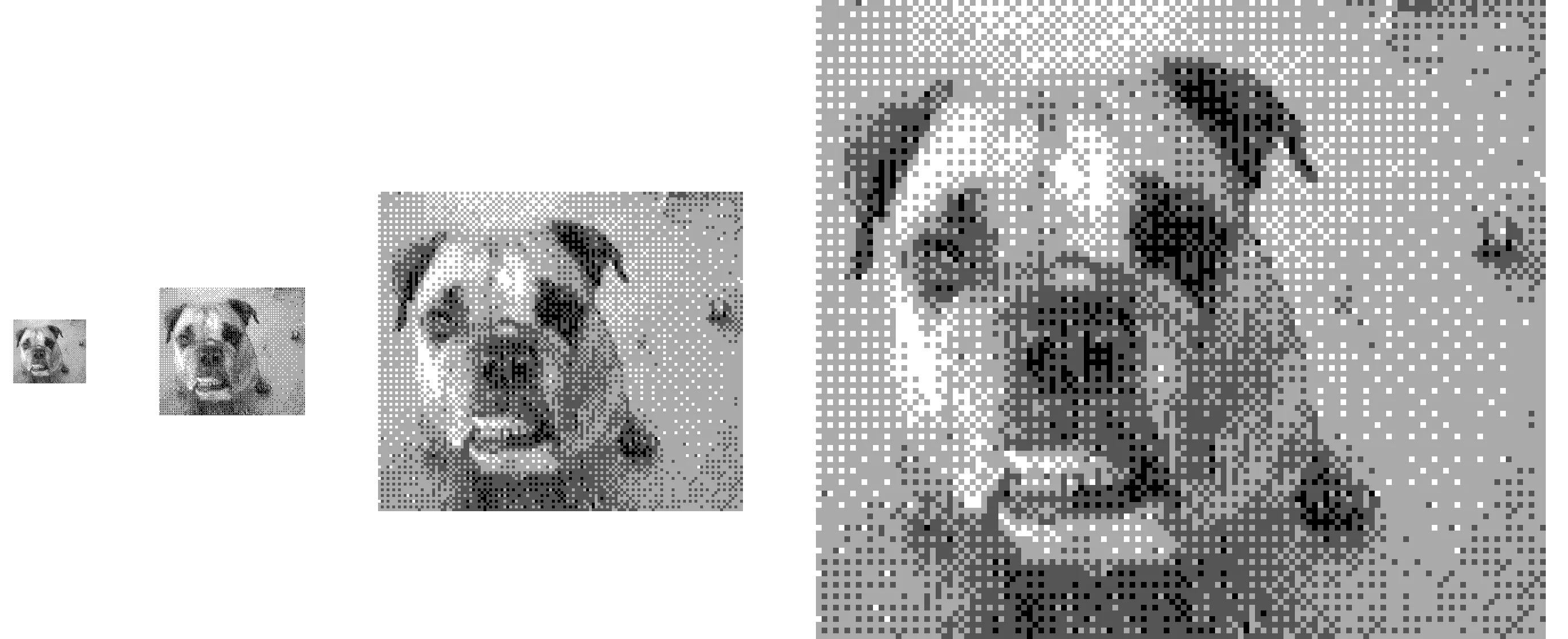
Photos are saved as PNG files and can be scaled up while maintaining their pixelated charm.
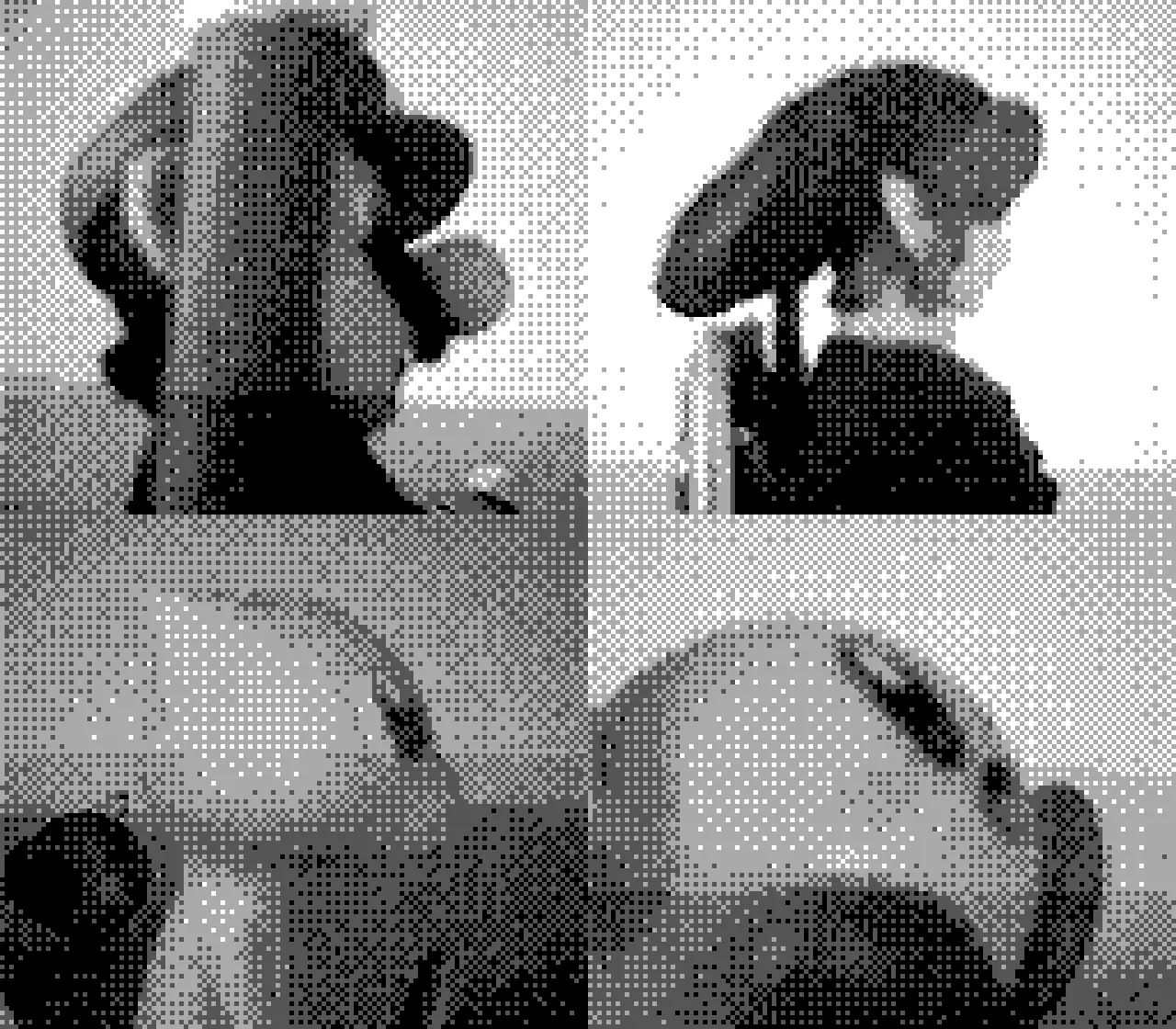
Photo management
From the Photo Gallery, you can:
- View all photos stored on the cartridge
- Download individual photos or all at once
- Choose resolution options for exported images
- Delete photos to free up space on the cartridge
This is much easier than deleting photos one by one through the camera’s in-game interface.
Playing the camera
You can play the Game Boy Camera software through Playback:
- Insert the Game Boy Camera
- Click Start to launch the emulator
- Use the camera’s shoot mode and other features
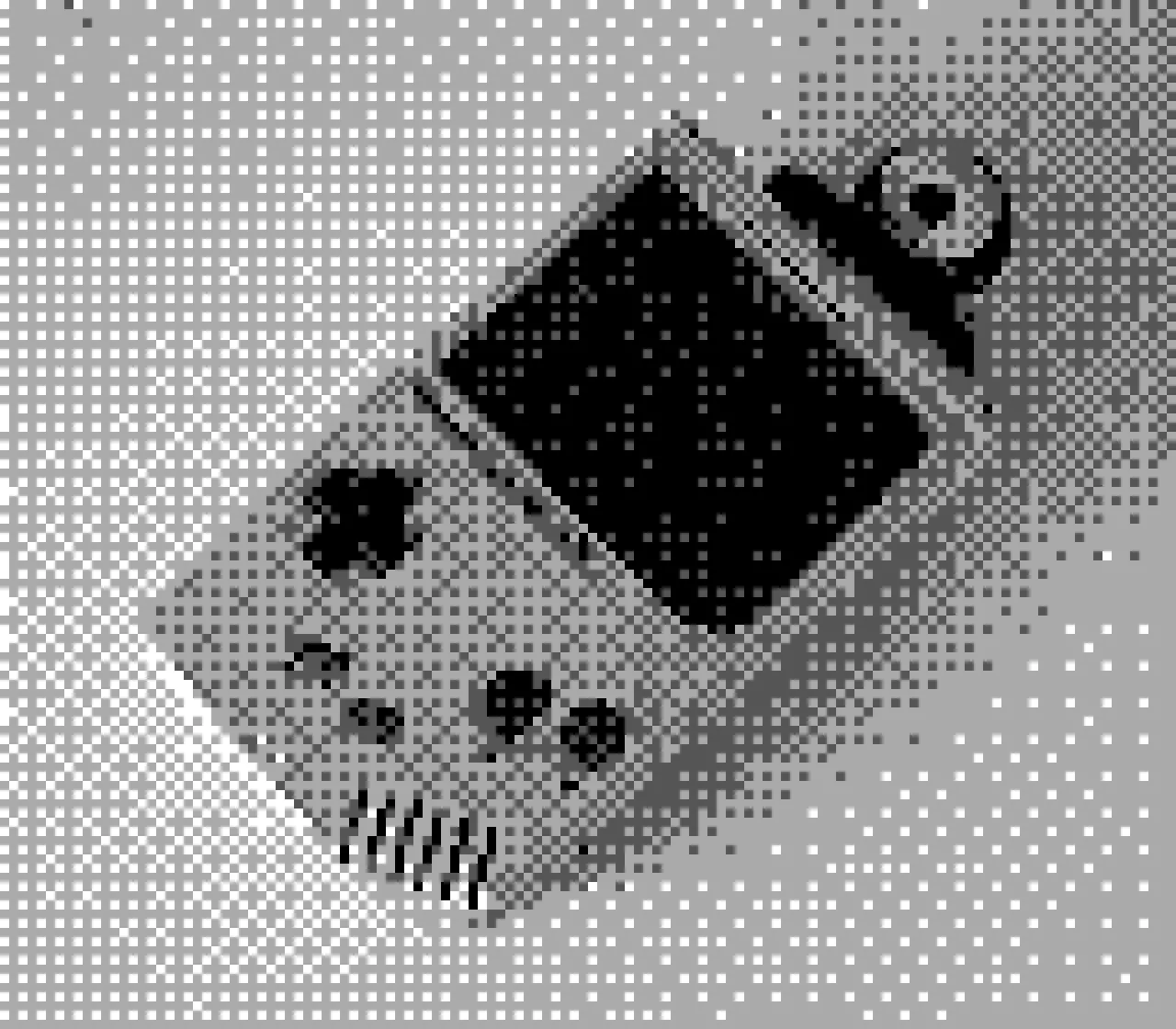
The live camera feed works through emulation, letting you take new photos and explore all the camera’s features.
Using as a webcam
Turn your Game Boy Camera into a working webcam for video calls and streaming. See Game Boy Camera as Webcam for the complete setup guide.
Save file management
Like any cartridge, you can back up the Game Boy Camera’s save data:
- Save files contain all your photos and camera settings
- Back up before making changes to preserve your photos
- Transfer save files between cartridges or emulators
Tips
- The Game Boy Camera cartridge is larger than standard cartridges but fits normally in the GB Operator
- Clean the cartridge contacts if photos appear corrupted
- Save files can be quite large due to photo storage
Still need help? Contact our support team

