Measuring Cartridge Battery
How to check if your save battery needs replacing.
2 min read
Many Game Boy® cartridges rely on batteries to keep save data alive. Here’s how to check if your battery is still good.
Which games have batteries?
- All GB/GBC games with save functionality
- Some early GBA games with real-time clocks
- SNES® games with save functionality
- Games with real-time clocks always have batteries
Later GBA games use EEPROM or Flash memory, which doesn’t require a battery.
What you’ll need
- Multimeter with DC voltage mode
- Screwdriver (3.8mm for GB/GBC, tri-wing for GBA)
Measuring steps
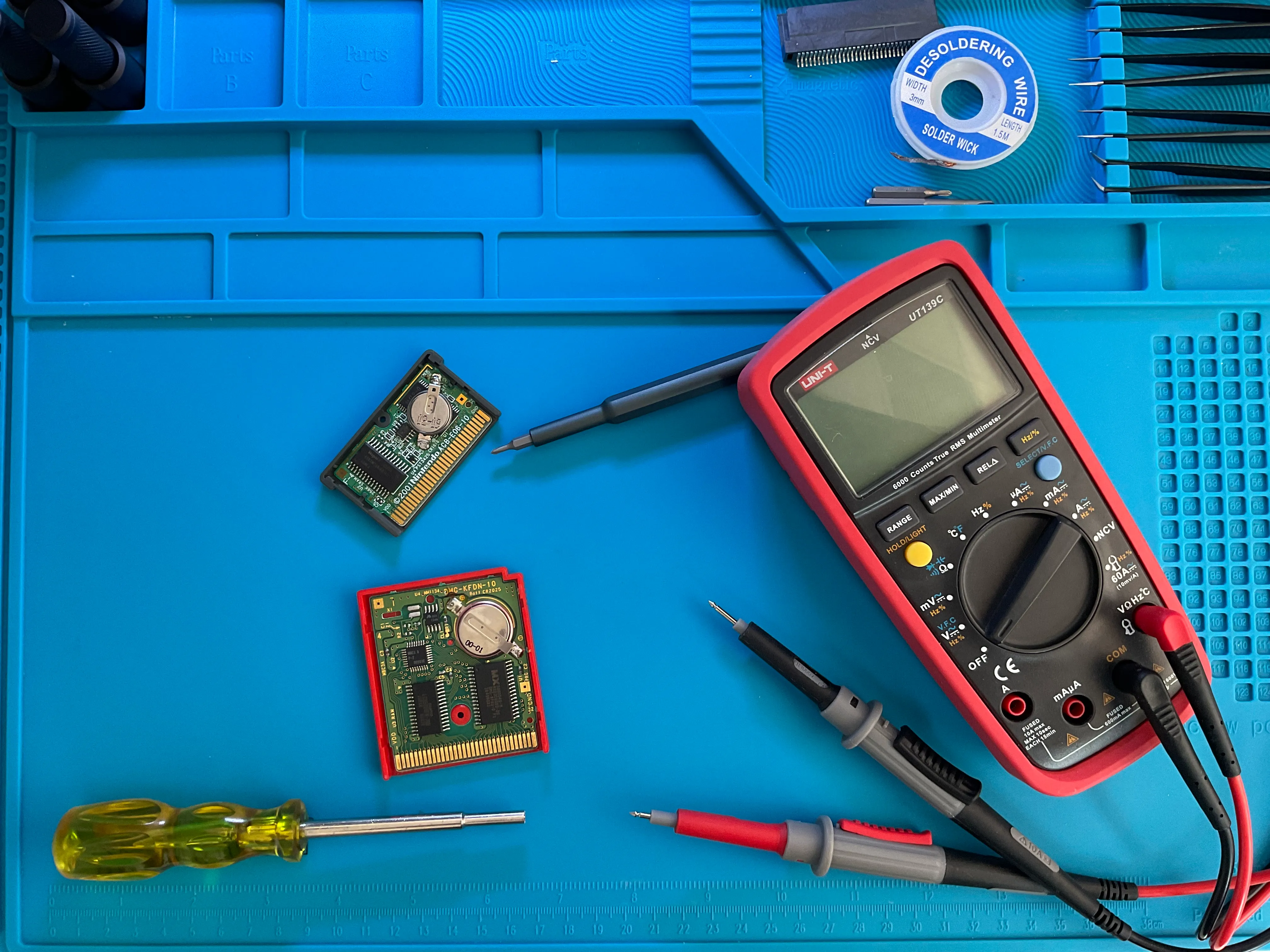
- Open the cartridge using the appropriate screwdriver
- Set your multimeter to DC Voltage (V) mode
- Select the range — batteries are 3V, so use a setting just above that
- Connect the probes:
- Red (positive) to the + terminal (usually under the battery)
- Black (negative) to the - terminal (usually on top)
- Read the voltage
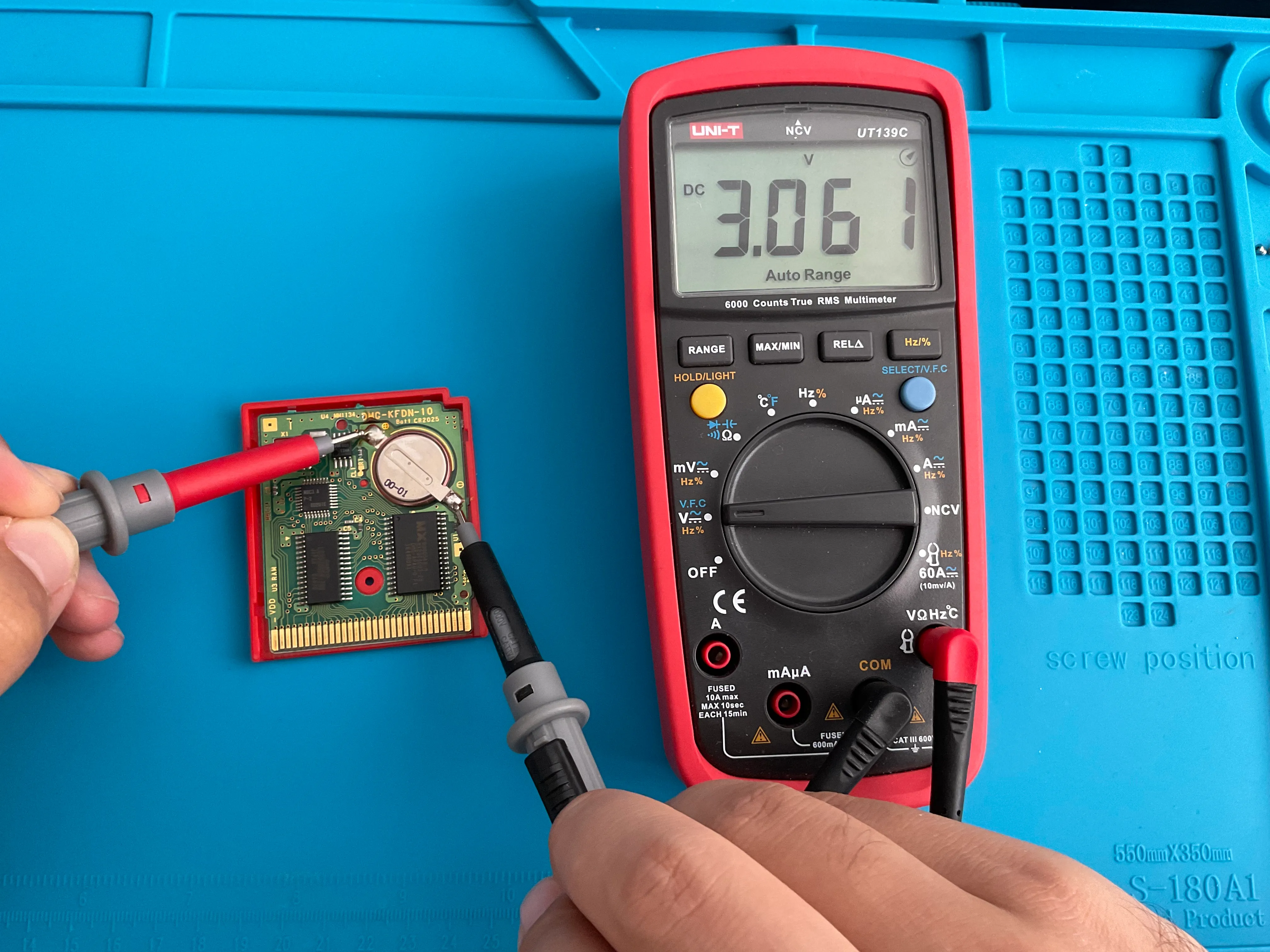
Interpreting results
| Voltage | Battery Status |
|---|---|
| 2.8V - 3.0V | Good — full charge |
| 2.0V - 2.8V | Fair — consider replacing soon |
| 1.5V - 2.0V | Low — back up save immediately |
| Below 1.5V | Critical — save may be at risk |
Battery types
- GB/GBC games: CR2032 (larger coin cell)
- GBA games: CR1616 (smaller coin cell)
- SNES games: CR2032 (same as GB/GBC)
Don’t swap battery types — they won’t fit properly in the cartridge.
Replacing batteries
Battery replacement requires soldering skills or tabbed batteries. Before replacing:
- Back up your save using your Operator device
- Replace the battery quickly to minimize power loss
- Restore your save after the new battery is installed
Many retro game shops also offer battery replacement services.
Tips
- A negative reading means your probes are reversed — swap them
- Check batteries before buying used games if possible
- Original batteries from the 90s are well past their expected lifespan
- Even a “dead” battery may hold data briefly — act fast!
See also
- Save Vault — Back up saves before battery replacement
- The Data Tab — Backup and restore saves
Still need help? Contact our support team

