Game Boy Cartridge Components
Understanding the hardware inside Game Boy cartridges.
3 min read
Understanding what’s inside your cartridges helps with troubleshooting and appreciating how these classic games work.
Opening a cartridge
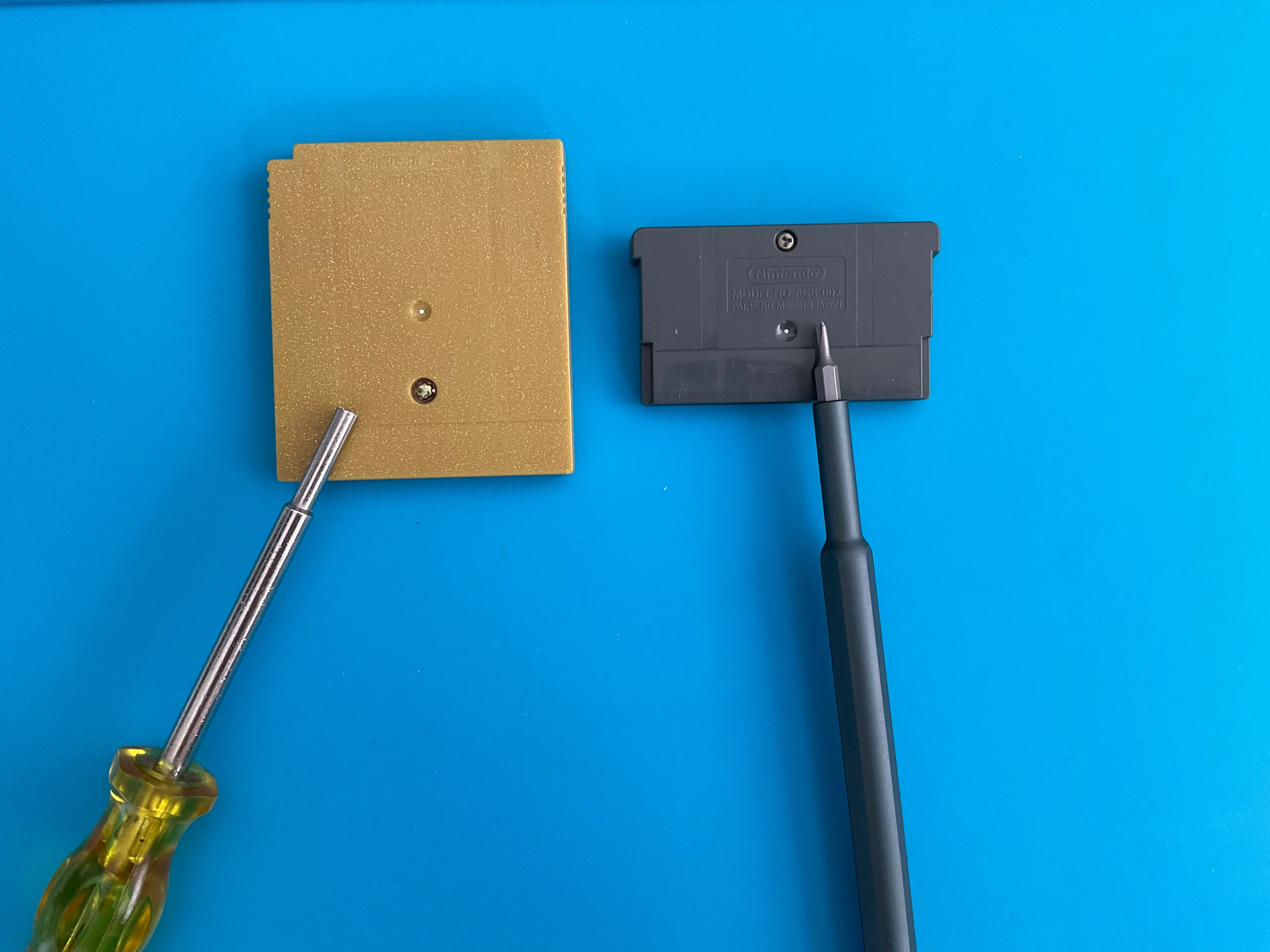
To inspect the internal components, you’ll need:
- 3.8mm security bit for GB/GBC games
- Tri-wing screwdriver for GBA games
Remove the screw on the back and carefully separate the shell halves.
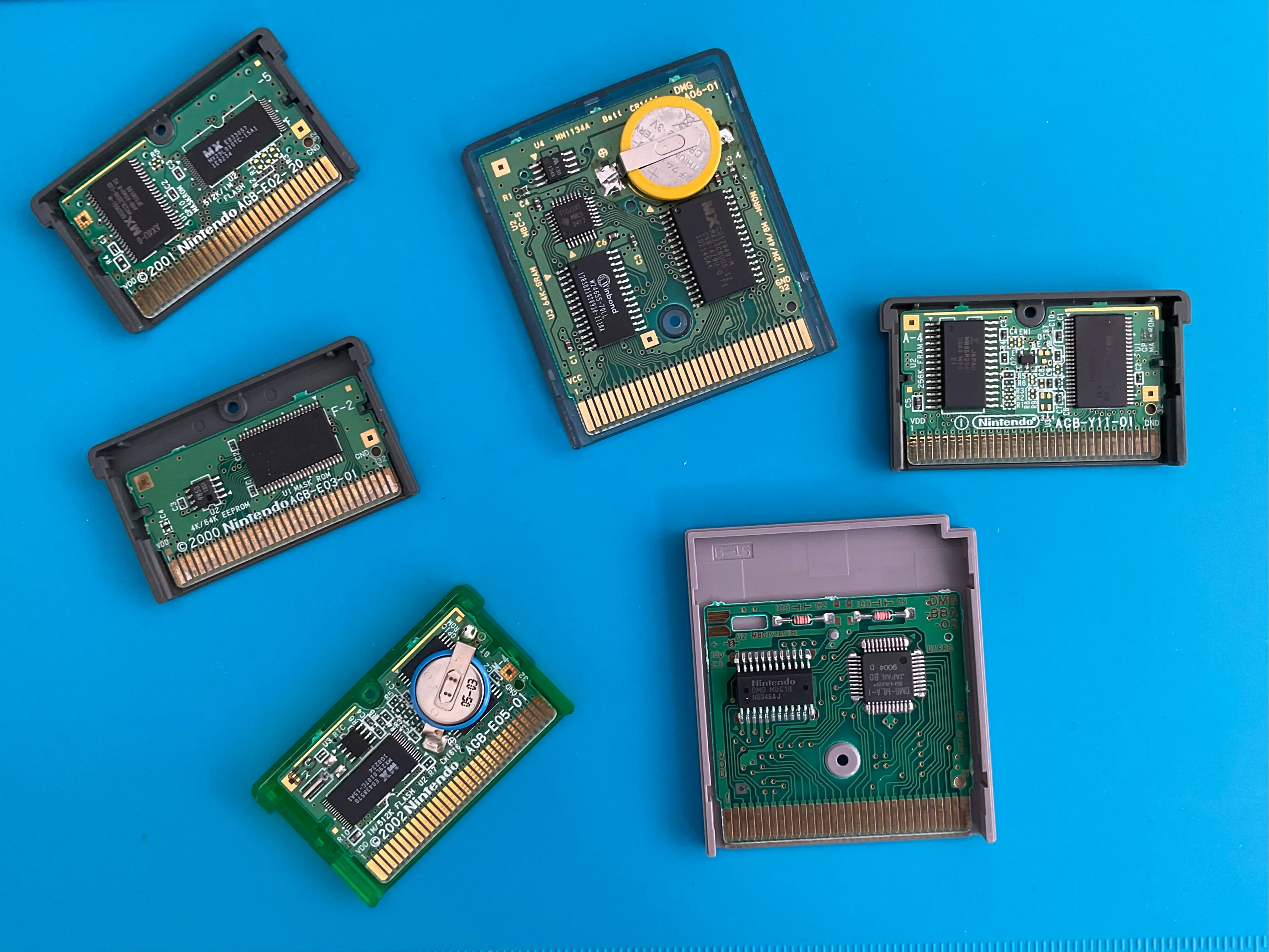
The game chip
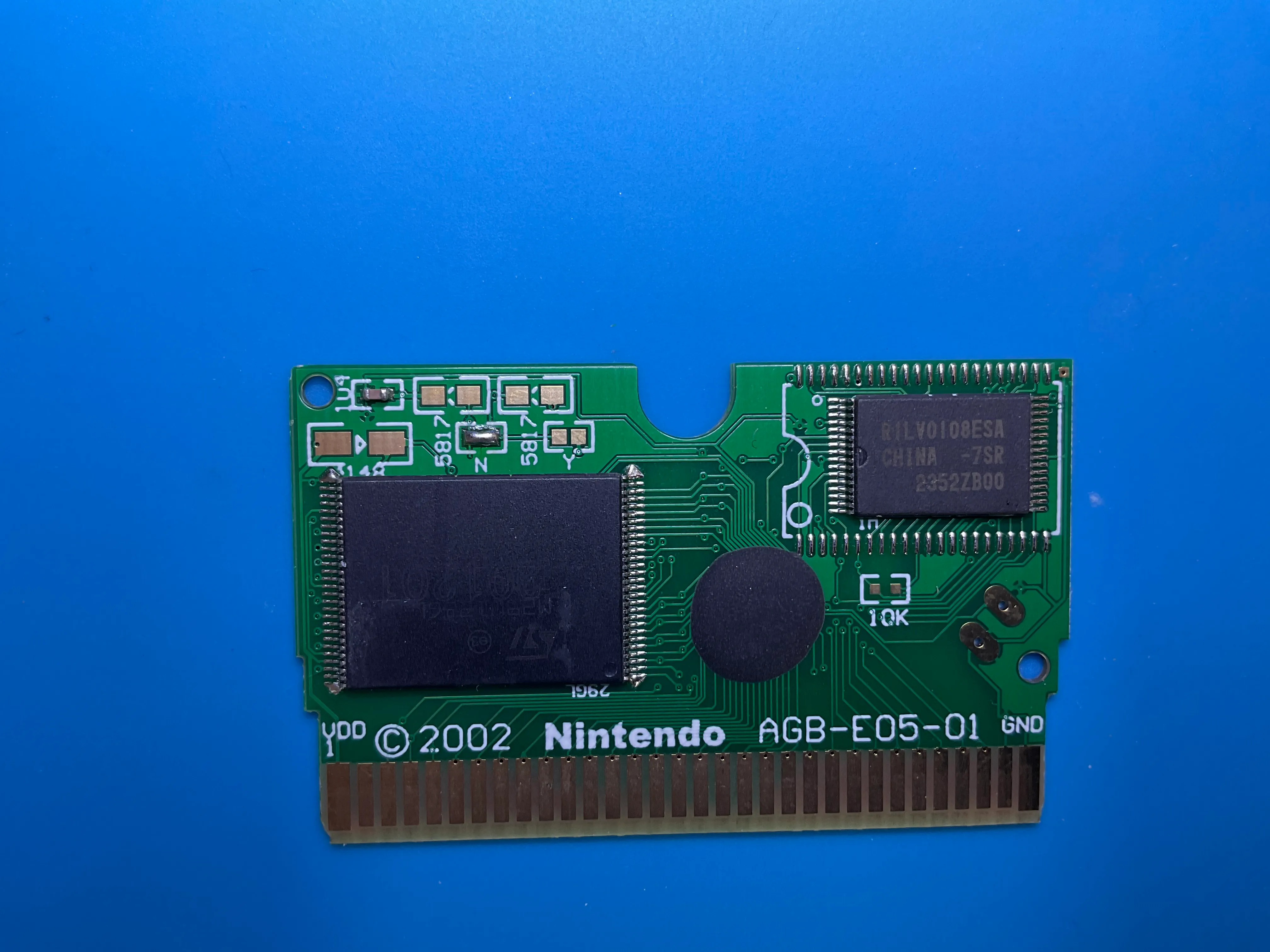
The game chip stores the actual game data. It’s typically the largest chip on the board.
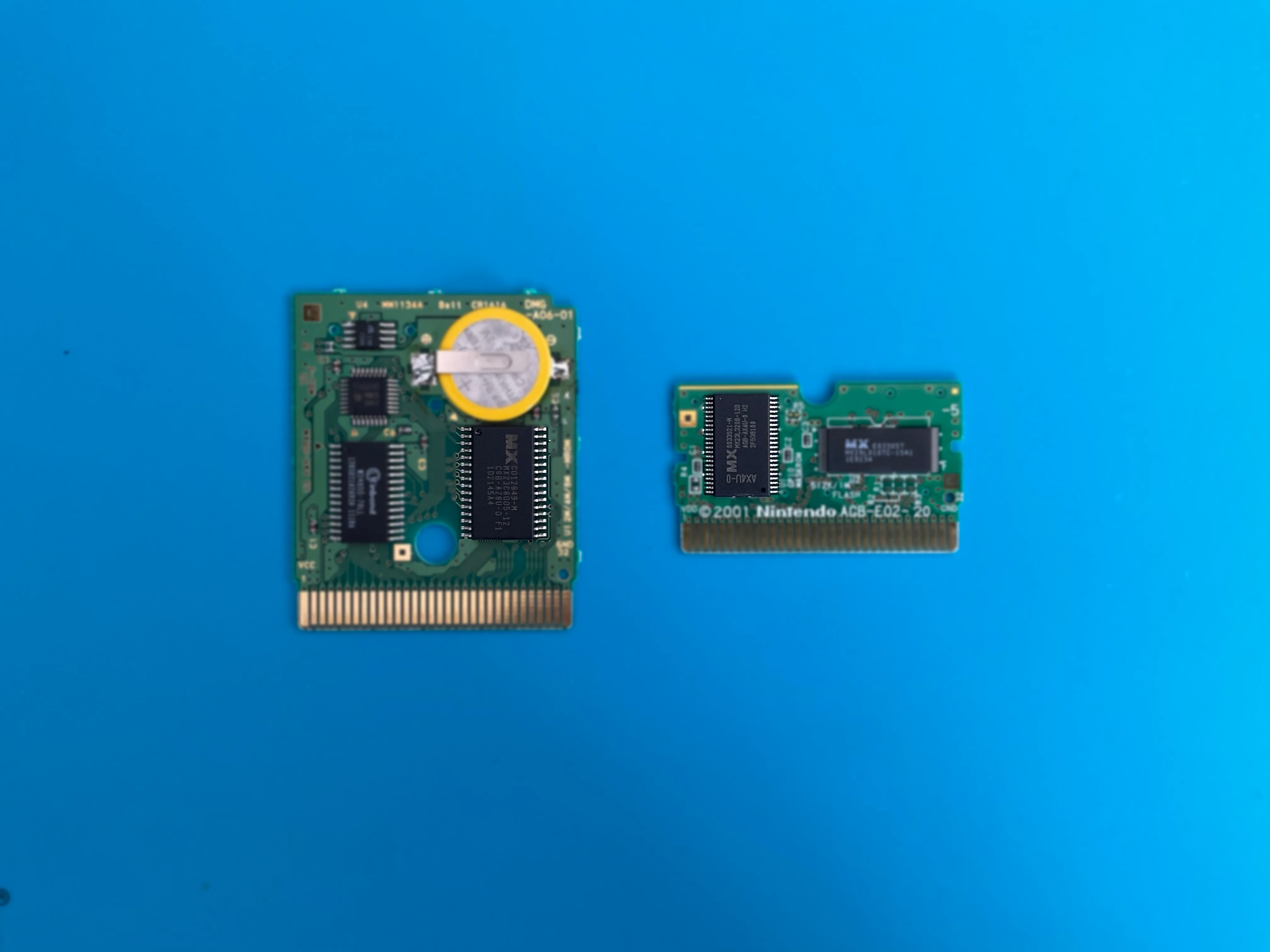
- Official games: Game data is read-only and cannot be modified
- Counterfeit games: Often use rewritable memory, allowing games to be replaced
- Flashcarts: Designed for rewriting with new games
Save memory types
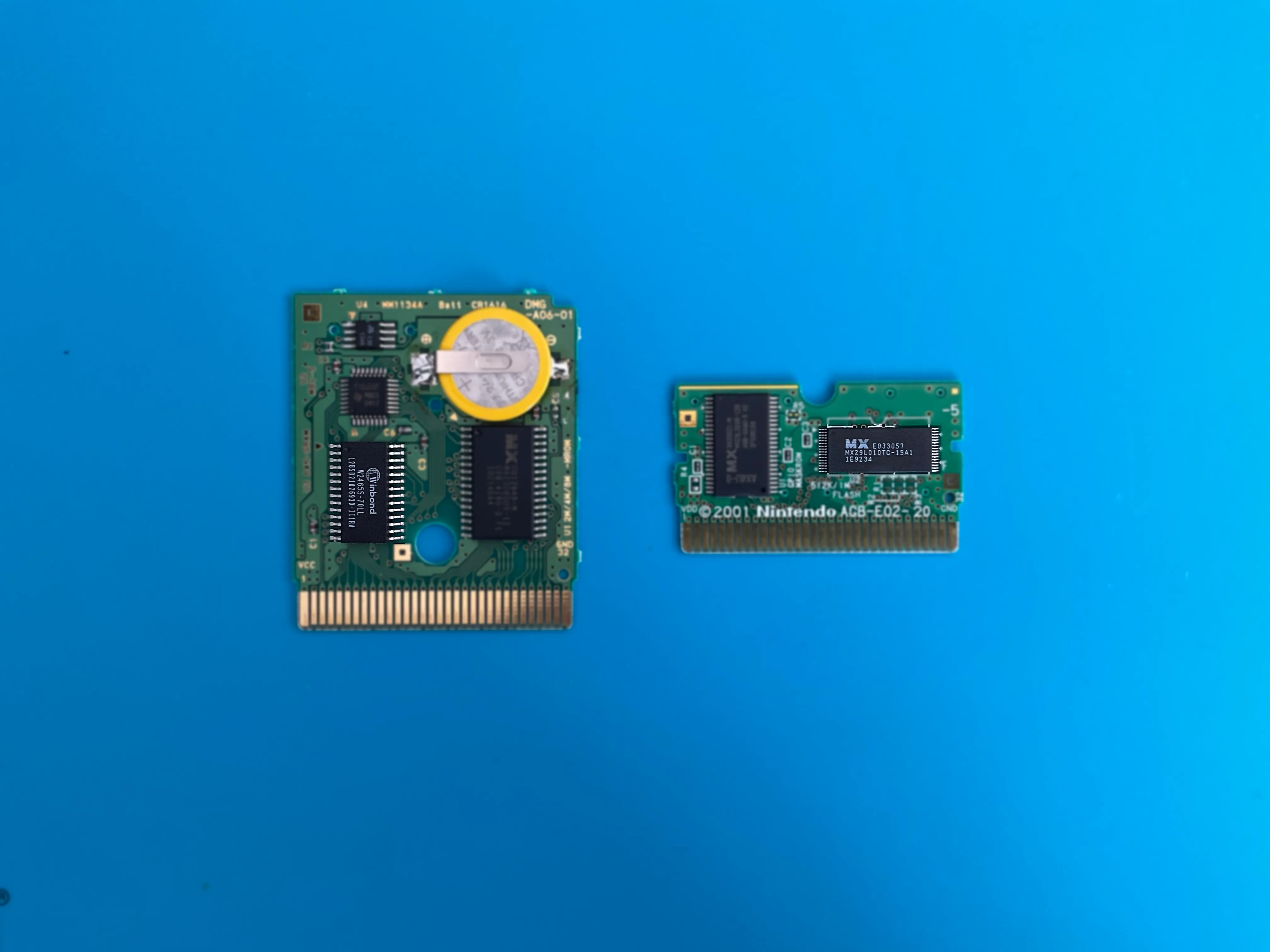
Different cartridges use different technologies to store your save data:
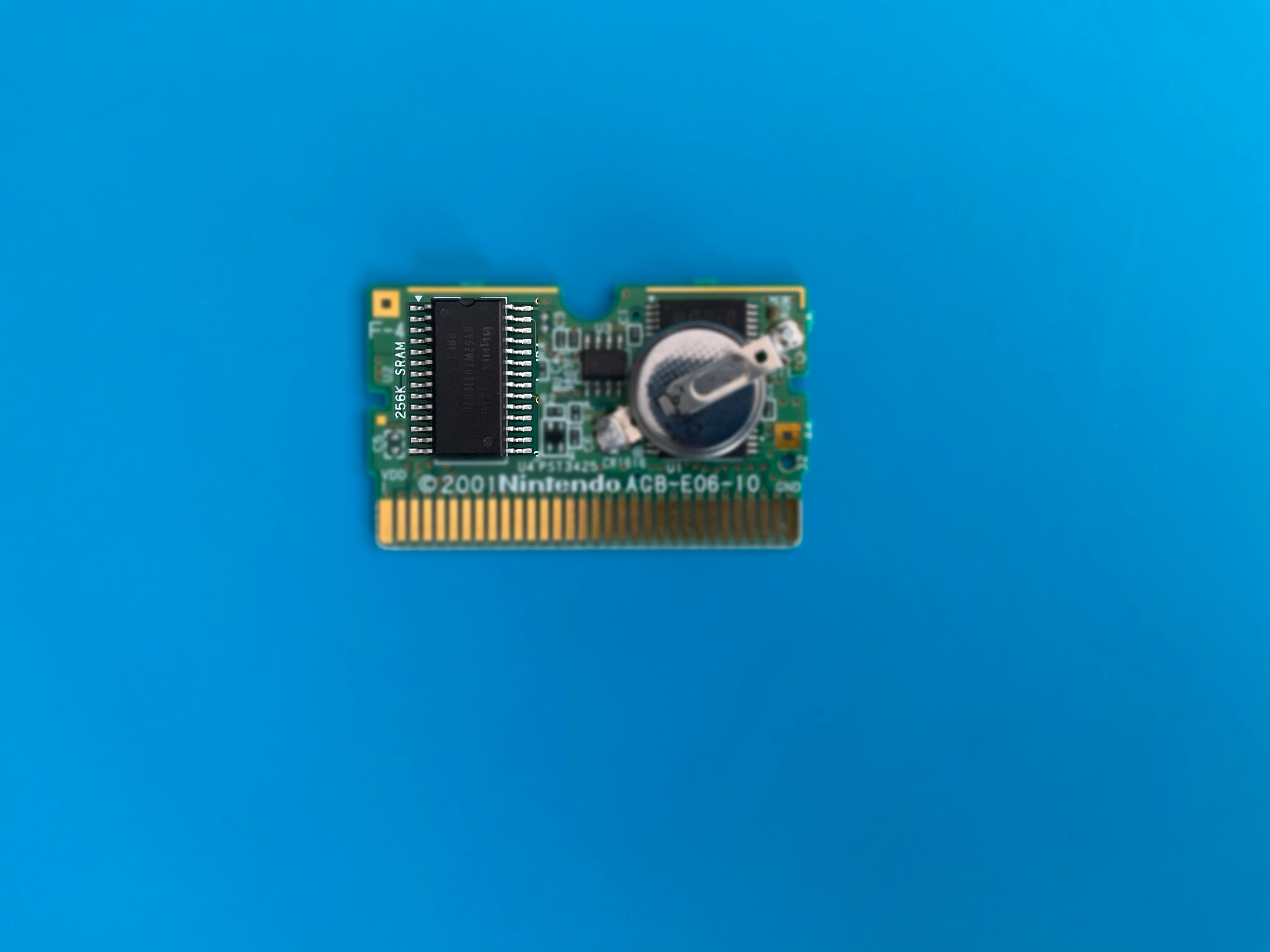
SRAM (GB/GBC and early GBA)
Static RAM requires constant power to retain data. This is why these cartridges have batteries — when the battery dies, your save is lost.
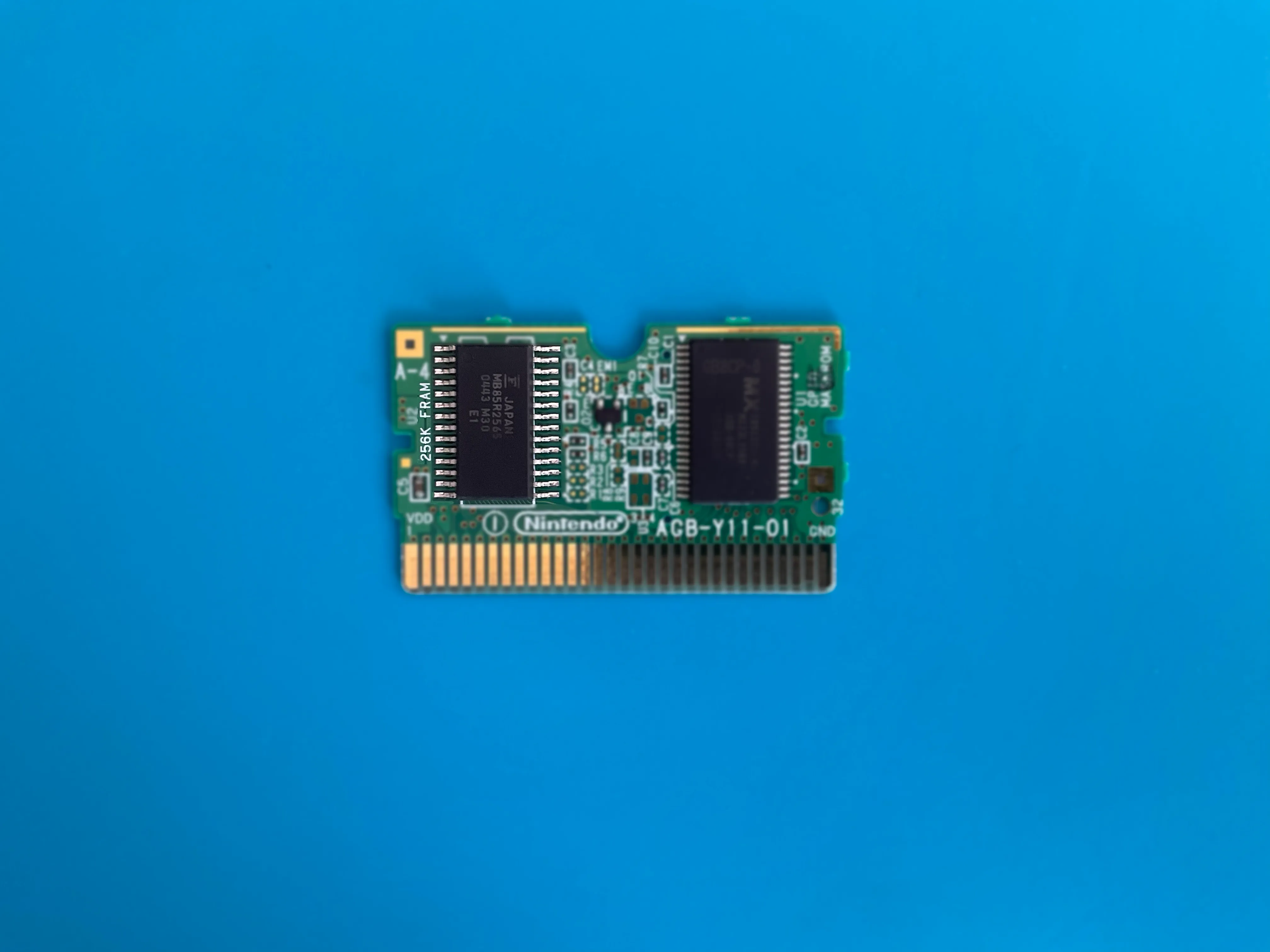
FRAM (some GBA games)
Ferroelectric RAM works like SRAM but doesn’t need a battery. Some games with the same title may have SRAM or FRAM depending on the production run.
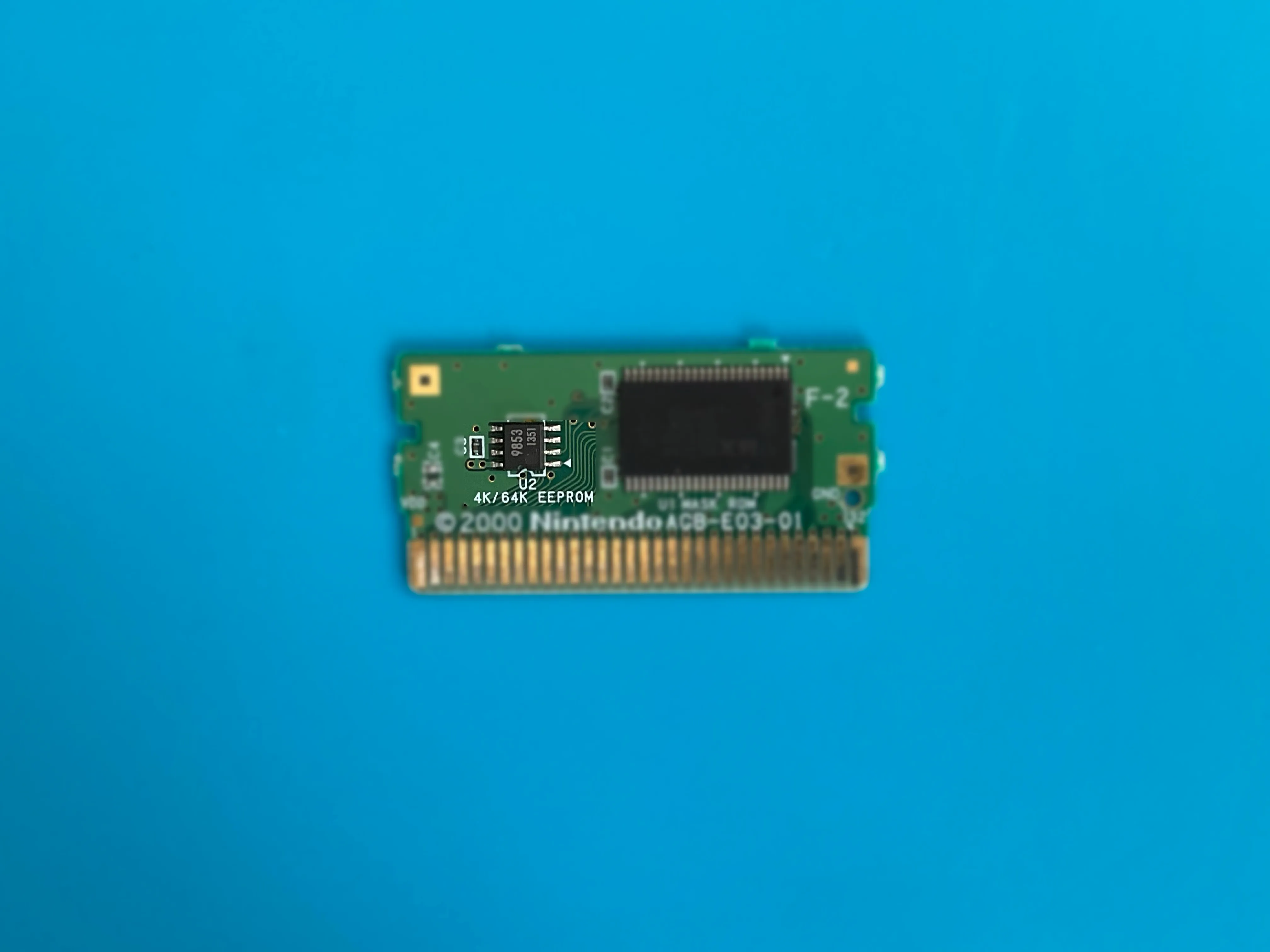
EEPROM (later GBA games)
A small, non-volatile chip that doesn’t need a battery. Incompatible with SRAM/FRAM saves.
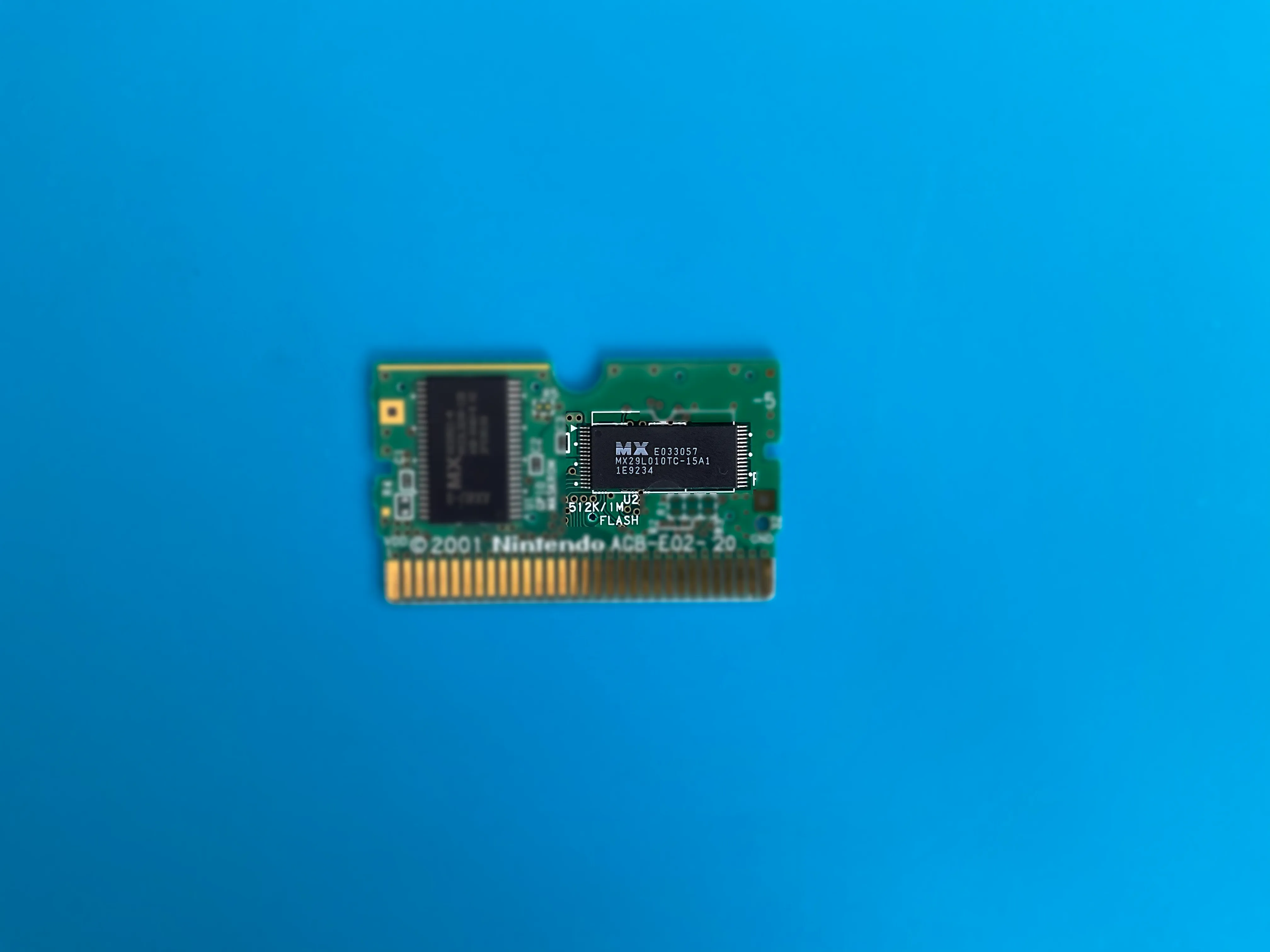
Flash memory (large GBA games)
Used for games with large save files. No battery required. Incompatible with other save types.
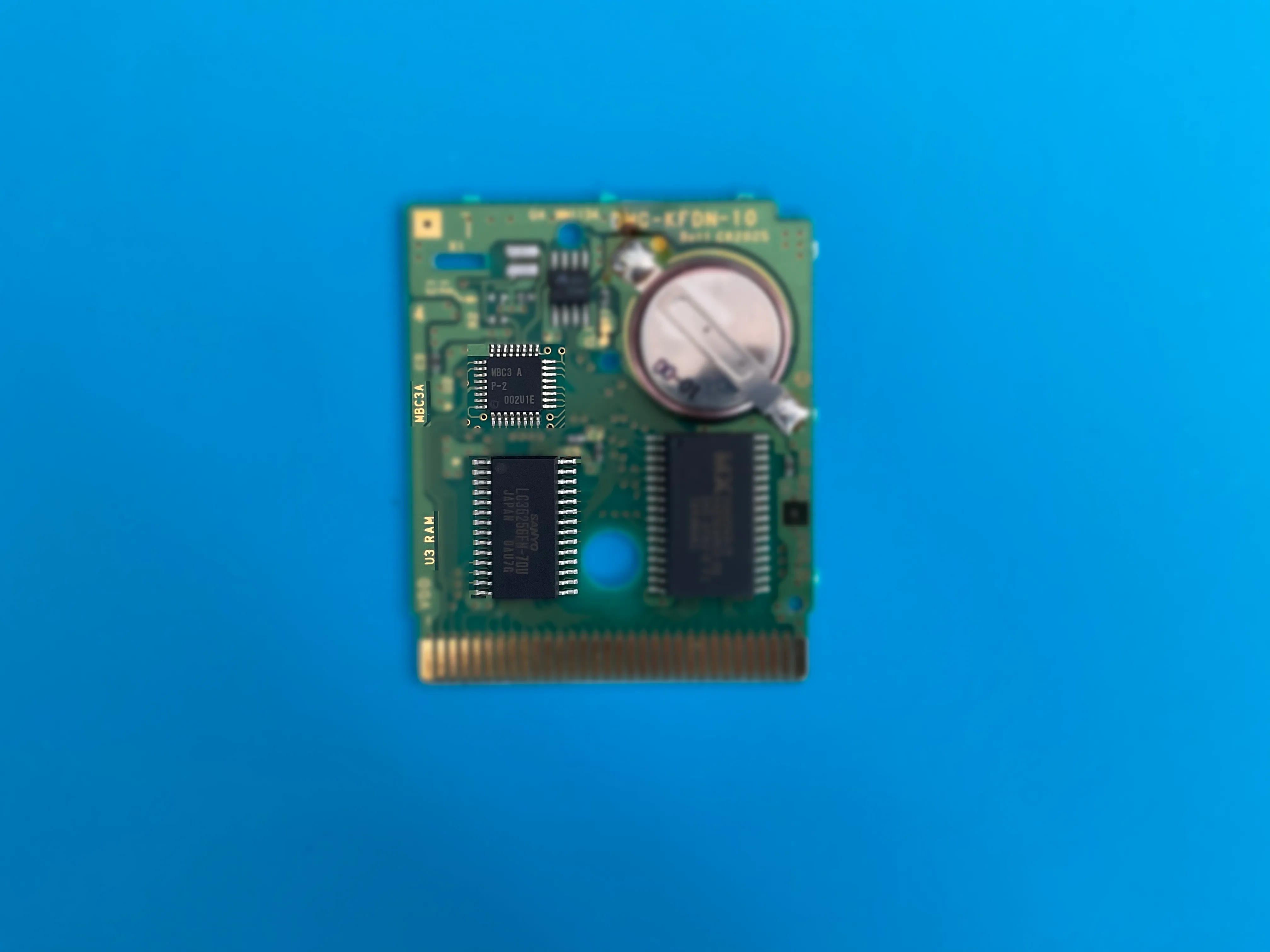
Memory Bank Controller (MBC)
GB/GBC cartridges include an MBC chip that:
- Allows the Game Boy® to access larger game sizes
- Manages switching between memory banks
- Sometimes provides extra features (rumble, light sensors, real-time clock)
Common types include MBC1, MBC3, and MBC5. The type is often printed on the chip itself.
The battery
Cartridges with SRAM use coin cell batteries:
- CR2032 for GB/GBC games
- CR1616 for GBA games
These batteries power the save memory. Original batteries typically last 20-30 years, but many are now failing. Back up your saves before the battery dies!
Identifying save memory type
On official GBA carts, the save type is usually printed on the PCB. You can also search for the chip’s datasheet online using the part number printed on it.
See also
- Measuring Cartridge Battery — Check battery health
- GB/GBC/GBA Cartridge Support — Memory Bank Controller compatibility
- Terminology — Glossary of terms
Still need help? Contact our support team

